
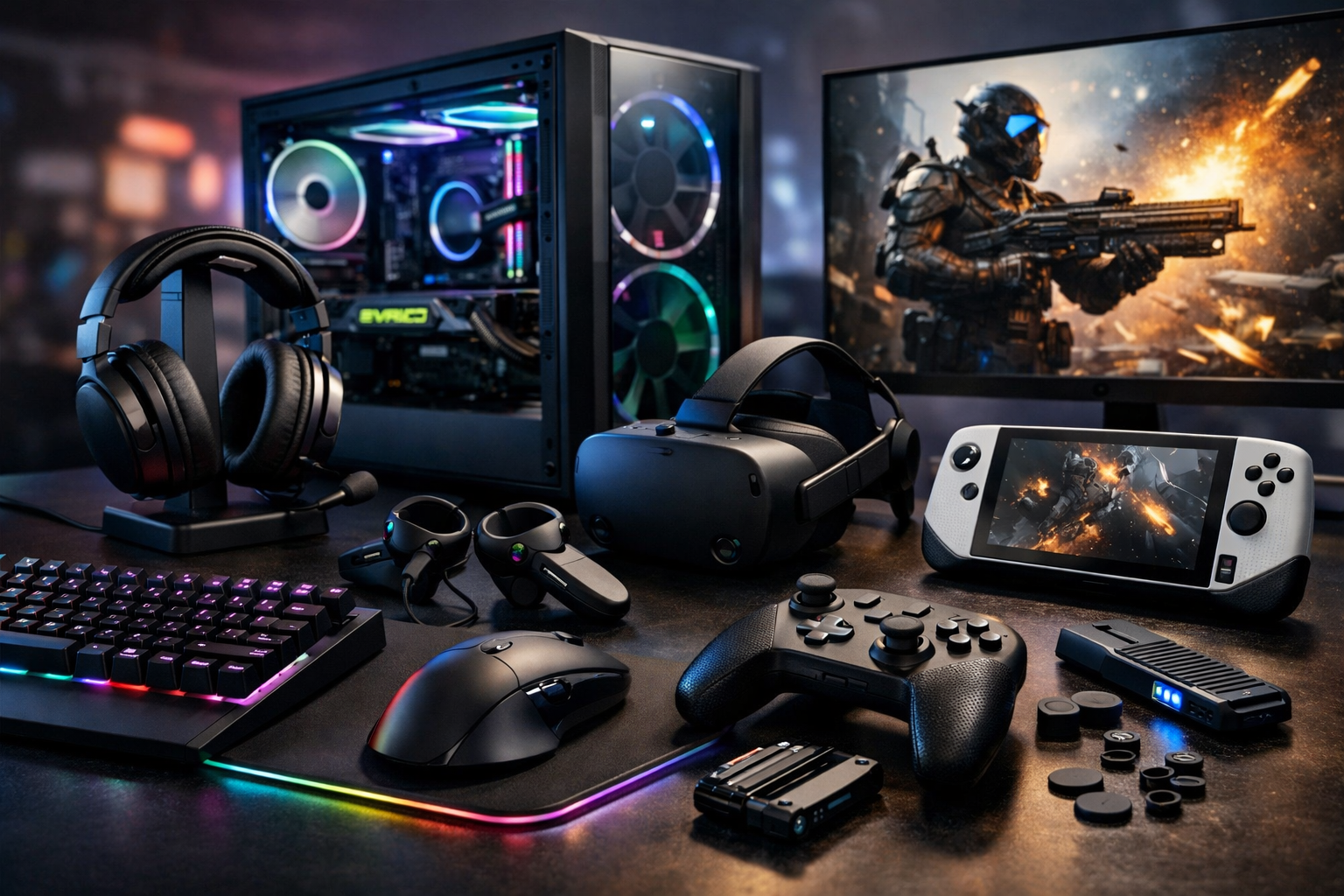
Why Gaming Hardware & Accessories Matter
Modern games are designed around high frame rates, low input latency, and clear communication—factors that depend heavily on your hardware and peripherals. The right setup doesn’t just make games look better; it can make them feel more responsive, reduce fatigue in long sessions, and help you stay consistent in competitive play. The key is knowing which upgrades provide meaningful benefits versus cosmetic improvements.
Core Performance Hardware
PC Components: GPU, CPU, RAM, and Storage
If you play on PC, performance starts with the balance between the graphics card (GPU) and processor (CPU). For most modern titles, the GPU determines your frame rate and visual quality, while the CPU becomes crucial in esports games, simulations, and large open-world scenes where lots of calculations happen at once. Pairing a high-end GPU with an underpowered CPU can cause bottlenecks, especially at lower resolutions where the CPU has to feed frames quickly.
- GPU: Prioritize this for higher resolutions (1440p/4K), ray tracing, and max settings.
- CPU: Prioritize this for high-refresh competitive gaming (144Hz–360Hz) and CPU-heavy genres.
- RAM: 16GB is a solid baseline; 32GB helps with heavy multitasking, mods, and content creation.
- Storage: An SSD dramatically improves load times and system responsiveness; NVMe drives are ideal for large game libraries.
Consoles and Expansion
Console gamers benefit from consistent performance and ease of use, but accessories still matter. Storage expansion is often the most impactful add-on, especially as game installs grow. Official expansion solutions may cost more, but they typically guarantee compatibility and full performance for next-gen titles.
Displays: Where Performance Becomes Visible
Refresh Rate, Response Time, and Input Lag
A display is the “output” side of your reflexes. Higher refresh rates (120Hz, 144Hz, 240Hz) make motion smoother and can improve tracking in fast shooters. Response time affects motion clarity, while input lag affects how quickly your actions appear onscreen. These specs are not interchangeable—look for credible reviews and testing rather than only marketing claims.
- 1080p: Great for high refresh rates and competitive play on midrange hardware.
- 1440p: The common sweet spot for sharper visuals without the huge GPU demands of 4K.
- 4K: Best for cinematic single-player experiences; requires a strong GPU to maintain high frame rates.
Panel Types and HDR
IPS panels tend to offer strong color and viewing angles, VA often provides deeper contrast, and OLED delivers excellent contrast and near-instant pixel response—though it may require burn-in mitigation habits depending on usage. HDR can enhance visual depth, but real HDR quality depends on brightness, local dimming, and tone mapping. A “HDR” label alone doesn’t guarantee a meaningful upgrade.
Input Devices: Precision and Comfort
Gaming Mice and Mousepads
A good gaming mouse is about sensor consistency, comfortable shape, and reliable switches—not just flashy lighting. Competitive players often prefer lighter mice for faster flicks and less fatigue, while others prioritize ergonomics for long sessions. Pair it with a mousepad that matches your style: speed surfaces for quick movement or control surfaces for steadier aim.
- DPI and sensitivity: Consistency matters more than high numbers; many players use modest DPI with in-game tuning.
- Polling rate: Higher can reduce input latency, but stability and implementation are key.
- Shape: Choose based on grip (palm, claw, fingertip) and hand size.
Keyboards: Switches, Layouts, and Features
Mechanical keyboards dominate because they offer distinct switch feel and durability. Linear switches can feel smooth for rapid inputs, tactile switches provide feedback without a loud click, and clicky switches emphasize audible response. Layout is also important: full-size for productivity, tenkeyless for more mouse space, and compact layouts for minimalism—though they may require function layers for some keys.
Controllers and Customization
For many genres—sports, fighting games, platformers—controllers remain the most comfortable choice. Features that can improve consistency include back paddles, adjustable trigger stops, and stick tension options. Stick drift is a common issue; hall-effect sensors can improve longevity in some models. If you play competitive shooters on controller, consider a setup that reduces hand movement between aim, jump, and reload.
Audio Gear: Competitive Awareness and Immersion
Headsets vs. Headphones + Mic
Audio impacts both immersion and performance. Clear directional sound helps you locate footsteps, reloads, and ability cues. Many gaming headsets offer convenience with an integrated mic, while a separate headphone-and-mic setup can provide higher fidelity and upgrade flexibility. Comfort is critical: clamping force, earcup depth, and breathability matter during long sessions.
- Closed-back: Better isolation and stronger bass; useful in noisy environments.
- Open-back: Wider soundstage and natural imaging; best in quiet rooms.
- Mic quality: Prioritize clarity and noise handling for team play.
Connectivity and Reliability
Wired vs. Wireless
Wireless peripherals have improved dramatically, and many modern low-latency implementations are excellent for gaming. Still, wired connections can be simpler and remove battery management from the equation. For any setup, stability matters more than raw speed—random disconnects or interference can ruin a match.
Routers, Ethernet, and Latency
For online gaming, consistent ping and low jitter are often more important than peak download speed. If possible, use Ethernet for the most stable connection. A quality router can help manage multiple devices and reduce congestion. Features like QoS (Quality of Service) can prioritize gaming traffic, but results depend on proper configuration and your internet service quality.
Ergonomics and Setup Accessories
Chairs, Desks, and Monitor Arms
Comfort upgrades can be as impactful as performance upgrades. A supportive chair, correct desk height, and a monitor placed at eye level help reduce neck and wrist strain. Monitor arms free desk space and let you fine-tune positioning, which can improve posture and viewing consistency—especially for multi-monitor setups.
Cable Management, Lighting, and Power Protection
Clean cable routing isn’t just aesthetic—it reduces clutter, prevents snagging, and makes maintenance easier. Bias lighting behind a monitor can reduce perceived eye strain in dim rooms. A quality surge protector or UPS (uninterruptible power supply) protects your investment and can prevent data loss during brief outages.
Smart Upgrade Priorities
If you’re unsure where to start, prioritize the upgrades that remove your biggest bottleneck. A competitive player might benefit most from a high-refresh monitor and a comfortable, consistent mouse. A single-player enthusiast might put budget into a stronger GPU, a high-contrast display, and immersive audio. Whatever your preference, aim for balanced improvements—hardware that complements your games, your space, and the way you play.
- For esports: High refresh display, low-latency mouse/keyboard, stable network.
- For immersion: Strong GPU, high-quality display, comfortable audio setup.
- For longevity: SSD storage, reliable power protection, ergonomic essentials.
The best gaming hardware and accessories aren’t defined by hype—they’re the tools that make your sessions smoother, clearer, and more comfortable, so you can focus on the game instead of your gear.